



Download the Goldspinia App
Our Goldspinia app delivers site features to handheld devices. The software establishes a direct link between your smartphone and our gaming servers. Android and iOS systems run the utility for a technical mobile betting experience. Adding the shortcut places the lobby on your home screen for immediate session starts.



Play Everywhere with Goldspinia
Our team selected the progressive web app format to unify the mobile session. This technology replicates a native tool environment inside any mobile browser. Technical interface adjustments mirror the layout of a standard software build. Every member accesses the Goldspinia app through a direct and secure connection.
| Feature | Technical Benefit of PWA |
| Installation | Setup happens directly through our Goldspinia official website. Our system removes the requirement to visit app stores or download unverified web files. |
| Memory Usage | The build occupies under 3 MB of storage space on your device. |
| Technical Updates | Background processes handle every update. Launching the utility provides the current version immediately. |
| Cross-Platform Compatibility | Supporting a unified build leads to frequent technical improvements. Handheld hardware on every operating system runs this version. |
| System Permissions | The utility requires zero permissions. It utilizes the existing security settings of your mobile browser. |
Avoiding native application flaws provides a professional session for every member. Our solution occupies minimal device storage and protects your device from modified files. Direct installation through our official domain eliminates the risk of downloading malicious code from unverified sources. Every session remains synchronized across your authorized devices.
Gold Spinia for Android & iOS
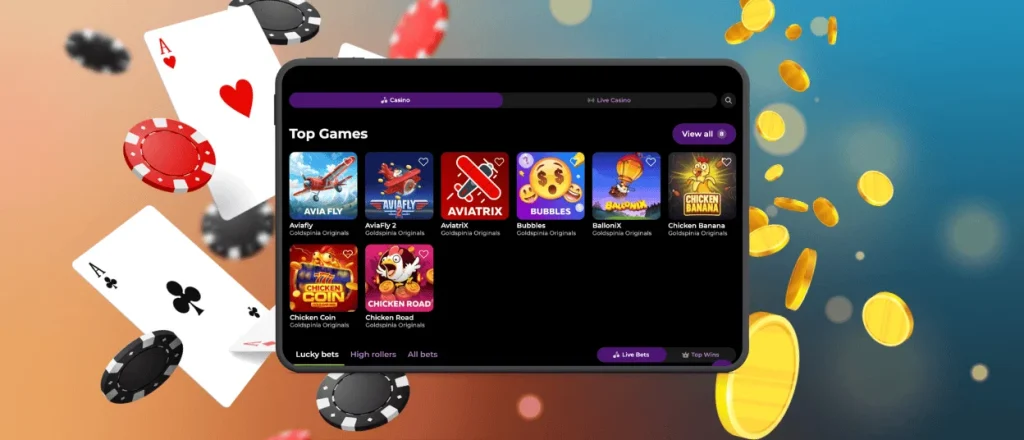
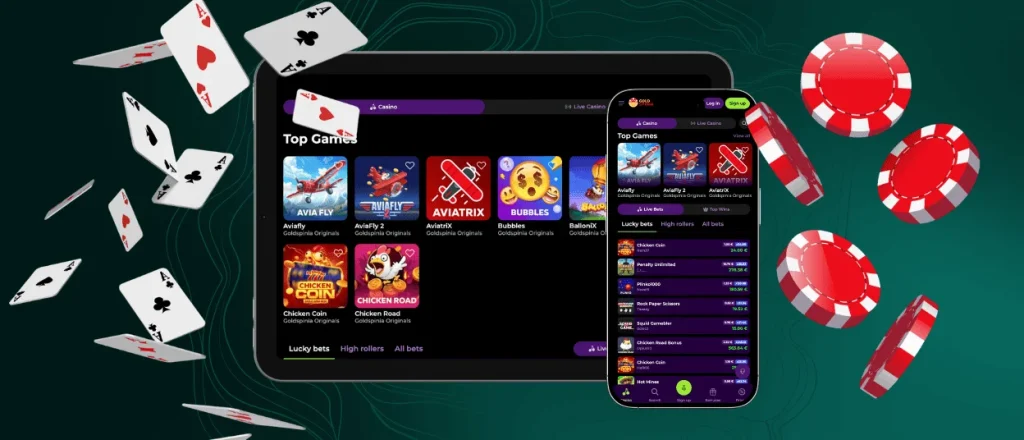
Our team provides the Goldspinia app for every major operating system. Android and iOS platforms represent the primary choices for our members. The Goldspinia Casino app banner contains technical setup instructions for your specific device. Opening this link reveals general information and a sequence of installation steps.
Android
Technical setup for the Goldspinia app on Android starts by opening our site in a mobile browser. Android systems offer flexibility for this installation method. Members select a specific landing page for the startup view. Navigation targets include the lobby or the favorite titles area. Follow these technical steps:
- Tap the three-dot menu icon in the browser address bar;
- Select the Add to Home Screen option and confirm the command;
- Swipe the screen upward to view the application drawer;
- Press the Gold Spinia app icon for a moment to place it on your display.
Finishing the Android app setup provides direct entry to mobile slots. Existing profiles synchronize immediately following the Goldspinia app download sequence. New members build a profile directly through the software. Your account provides access across every authorized gadget.
iOS
iPhone and iPad setup follows a technical logic similar to Android systems with one specific constraint. Users install the Goldspinia app through Safari because alternative browsers lack the required tools on iOS. Members visiting through different browsers select the Open in Safari command to begin the process.
Establishing the iOS app requires tapping the “Share” icon located in the center of the navigation bar. Players pick the “Add to Home Screen” option and finalize the action by selecting “Add.” Biometric sensors remain inactive at launch. Activating two-factor authentication adds a layer of protection to every session. This technical setup enables secure mobile betting from any location.
Goldspinia APK
Android users have the technical option to install software through an APK file. Our team recommends against using any Goldspinia APK found on external websites. This delivery method stays outside our distribution model. We do not release these files to the public domain. Members obtain our official app exclusively through our website. Using our official domain protects your handheld hardware from modified files.

Mobile Design
Site design represents the primary reason to use the Goldspinia app. Our interface follows current trends to provide high utility. We implemented technical updates to streamline navigation. These changes focus on touch-friendly functionality:
- Moved popular sections to a fixed bottom navigation bar;
- Increased the size of buttons and controls;
- Maximized display area usage;
- Eliminated browser toolbars to reduce visual clutter;
- Refined movement between different lobby areas.
Our mobile browser version shares some technical features. Standard browser elements remain visible in that format. The Goldspinia mobile app provides faster entry. Handheld device sessions benefit from the dedicated app.
Goldspinia App for Desktop – No Download Required
Our platform supports every desktop system along with laptops and stationary computers. The Gold Spinia app creates a technical environment without browser toolbars. This layout removes visual distractions to support a professional session. Shortcut entry provides a direct path to our lobby.
Windows users locate the “Install App” button in the browser address bar. Site settings provide a “Save as” shortcut choice. MacOS users navigate to the File menu and select “Add to Dock” before clicking “Add.” These actions involve zero file downloads. The Goldspinia app icon appears on your taskbar immediately. Every profile detail stays synchronized with the mobile version. Members access their balance and reward history through this standalone window.
FAQ
Do I need an account to use the Goldspinia app?
Account creation is not a requirement for obtaining the Goldspinia app. Users seeking a technical platform for mobile gambling complete the Goldspinia download app, then build a profile. This single account provides access across every authorized device.
How does the app differ from the browser version?
Both formats maintain high performance but feature distinct layouts. Browser sessions fit large monitors and mouse inputs. The Goldspinia app prioritizes touch navigation on handheld screens. These technical differences define the button placement and interface parameters.
Is the PWA safe for real money payments?
Technical safety in the app mirrors the architecture of our primary site. Financial operations follow PCI DSS guidelines via tokenized and encrypted transfers. These specific protocols shield payment details from outside threats. Technical layers block intruders from reading your private information.


